
There is a particular kind of frustration that comes from pressing your hanko onto an important document, lifting it carefully, and finding a smeared, lopsided, or faded impression staring back at you. The document may be a lease agreement, an employment contract, or a bank form — the kind of paper you cannot easily get a second copy of. The hanko itself is fine. The ink is fine. The problem is almost always technique, and technique is entirely fixable.
Knowing how to stamp a hanko correctly is one of those small skills that Japanese people absorb gradually through repeated use, often starting from school. For foreigners arriving in Japan without that background, the learning curve can produce a few embarrassing moments before the method clicks. This guide is designed to shorten that curve significantly.
What follows is a practical breakdown of everything that affects the quality of a stamp impression: the mistakes most people make, how ink application actually works, where your hands should be and why, and how different paper surfaces change the outcome. By the end, you will have a clear mental model of the process — and the confidence to press that stamp onto any document without hesitation.
Common Stamping Mistakes

Most bad impressions come from one of five repeatable errors. Recognizing them is the first step to eliminating them.
Pressing unevenly. This is the most common issue. When you apply more pressure to one side of the stamp than the other, the impression comes out heavier on one edge and lighter or absent on the opposite side. It looks as though the hanko was tilted, even when it was held straight. The cause is almost always in the fingers — specifically, pressing down with the index finger centered slightly off the stamp’s middle.
Lifting before the ink has set. Hanko ink is oil-based and needs a fraction of a second to transfer cleanly. People who lift the stamp too quickly — especially when nervous about getting it right — interrupt that transfer. The result is a partial impression or a smear on the upward edge where the stamp was dragged slightly during removal.
Double printing. This happens when the stamp bounces slightly on contact, or when someone presses, lifts a millimeter, then presses again thinking the first press did not take. Even a tiny secondary contact creates a ghost image around the main impression. It looks careless on formal documents and in some cases makes the stamp unreadable for verification purposes.
Too much or too little ink. Both extremes cause problems, and they look different. Too much ink produces a filled-in impression where the fine lines of the characters bleed together and lose definition. Too little produces a faint, broken impression with gaps in the strokes. Neither is acceptable on official paperwork.
Stamping on an unstable surface. A table edge, a folder placed over other papers, or a slightly raised surface area all introduce micro-movement at the moment of contact. The stamp shifts imperceptibly, and the impression suffers for it.
The good news is that all five of these mistakes are corrected by the same set of adjustments: controlled ink application, correct hand positioning, and a flat, supported surface. Each of those is covered in the sections below.
Correct Ink Amount
The ink pad is where most people either set themselves up for success or create a problem before the stamp even touches the document.
A well-inked hanko should have a thin, even coat of ink across the entire face of the stamp. Think of it as closer to a light film than a saturated layer. When you press the stamp face onto the ink pad, you are not trying to load as much ink as possible — you are trying to coat every raised surface evenly.
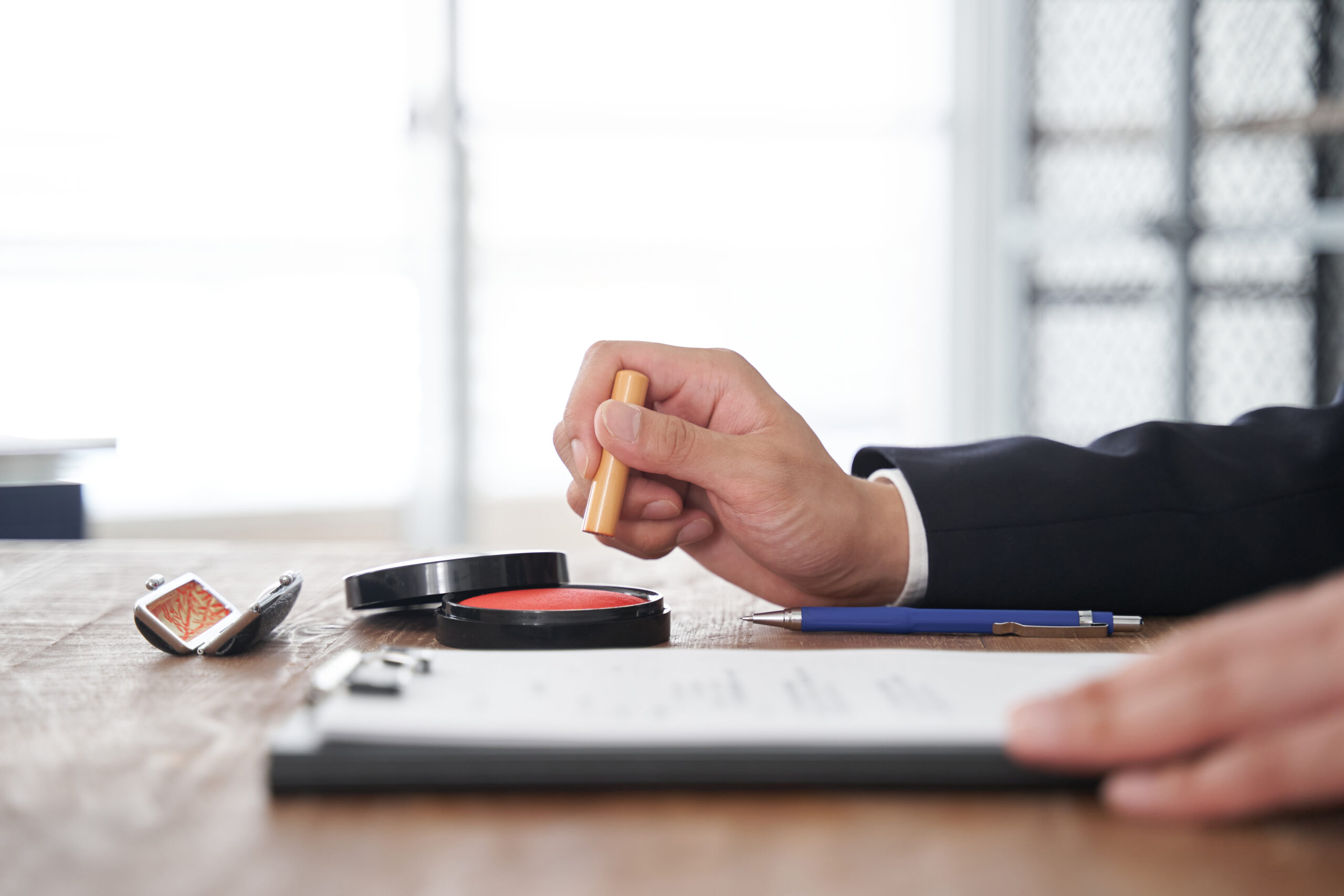
The correct motion is a single, light press onto the pad. Hold the hanko vertically, lower it straight down onto the pad surface, apply gentle and even downward pressure for about one second, then lift straight up. Do not rock the stamp, do not drag it across the pad, and do not press multiple times in a single inking.
If your ink pad is new or has been freshly re-inked, it may be slightly oversaturated. In that case, test on a scrap piece of paper first and let the pad settle for a day or two before using it on important documents.
If your pad is old and the ink is running dry, you will notice that even a firm press produces a faint impression. Adding replacement ink is better than pressing harder — pressing harder onto a dry pad does not produce more ink, it just increases the chance of an uneven impression.
A quick test before any important document: stamp once on a spare sheet of plain paper. Look at the impression carefully. The lines of the characters should be sharp and unbroken. If they bleed into each other, the pad is overloaded. If they are thin or gapped, the pad needs ink. If the impression looks clean, you are ready.
Hand Positioning
This is where the actual stamping technique lives, and it is worth slowing down to understand what is happening mechanically.
Hold the hanko between your thumb and fingers with a light grip — firm enough to keep it from moving, but not so tight that your hand tenses. A tense grip transmits small tremors directly into the stamp. Relaxed hands stamp more cleanly than tense ones.
Position the stamp face directly over the target area on the document before you begin the downward motion. Do not lower it at an angle and then correct. Approach it from directly above, perpendicular to the paper surface.
When you make contact, apply pressure evenly across the stamp face. The way to achieve this is to think about pressing straight down through the center of the stamp — not from one finger, but from the whole hand moving as a unit. Use your non-dominant hand to stabilize the paper, pressing lightly at the edges so it does not shift.
Hold the pressure for approximately two seconds. This is longer than most people’s instinct suggests. The ink needs contact time to transfer, and the two-second hold also prevents the bounce-and-double-print problem.
Lift the stamp straight up. Do not peel it from one side. Do not slide it. Straight up, cleanly, in one motion.
Do not look at the impression immediately by bending over the stamp as you lift — this is a surprisingly common cause of accidental smearing as clothing or a sleeve catches the edge of the still-wet ink. Step back slightly, then look.
Starting a new job soon? ComfysCareer can help you land it — then practice stamping so your first-day paperwork goes smoothly.
Paper Types That Work Best
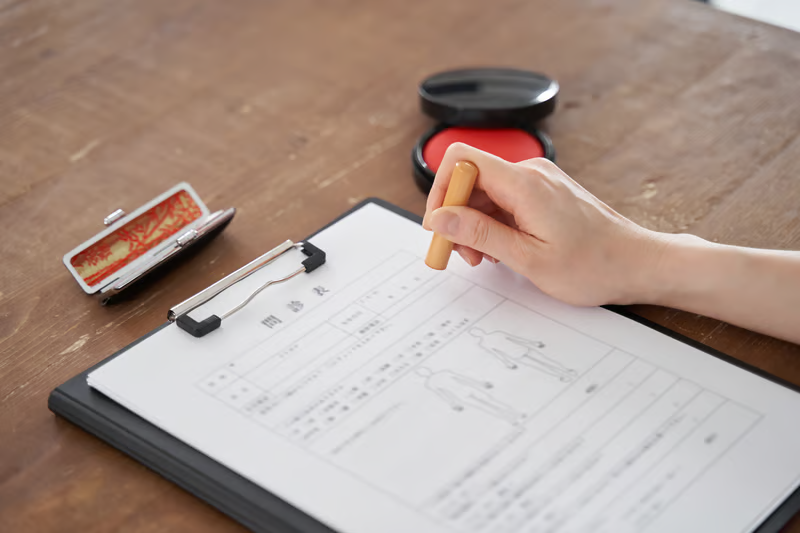
Not all paper receives a hanko impression equally, and understanding why helps you anticipate problems before they happen.
Standard copy paper and office paper (70–80 gsm) is the most forgiving surface. It is smooth enough to receive ink evenly and thick enough to stay flat under pressure. This is what most Japanese official forms are printed on, and it is where hanko technique is easiest to get right.
Coated or glossy paper is more difficult. The coating resists ink absorption, which means the impression sits on the surface rather than bonding with the paper. It takes longer to dry and smears more easily. If you must stamp on glossy paper, apply slightly less ink than usual and hold for an extra second or two.
Thin paper or tracing-weight paper compresses under pressure and tends to shift. Use a stamping mat or a firm pad underneath to give the paper a stable base. Without support, the paper flexes slightly during stamping, which produces an uneven impression.
Washi or traditional Japanese paper has a texture that can absorb ink unevenly depending on the fiber direction. This is rarely an issue on official documents, which are almost never printed on washi, but it comes up if you are stamping handmade cards or traditional correspondence.
Textured or embossed paper is the hardest surface to stamp cleanly. The raised texture means only the peaks of the surface contact the stamp face evenly. For these, more ink and firm, even pressure help — but accept that the result may be slightly less crisp than on flat paper.
A stamping mat — a small silicone or felt pad placed under the document — makes a noticeable difference on any surface. It absorbs the slight unevenness of whatever is below the paper and gives the stamp a consistent, slightly cushioned surface to press against. HankoHub carries ink pads and stamping accessories that work with both standard and delicate paper types.
Checklist before stamping on an important document:
- Paper is lying flat with no creases or folds beneath the target area
- A stamping mat or firm surface is underneath the paper
- The ink pad has been tested on scrap paper and the impression looks clean
- The target area on the document is clearly identified and the stamp is pre-positioned before descent
- Non-dominant hand is stabilizing the paper at the edges
- You have at least two seconds of uninterrupted time to hold the press
FAQ
Why does my impression look fine on practice paper but smeared on the actual document? The most common reason is surface difference — official forms are often slightly coated or printed on heavier stock than standard scrap paper. The other common reason is nerves: people tend to tense their hands and move slightly faster when it counts. Slow down deliberately and the result usually improves.
Can I redo a stamp impression if it goes wrong? On official documents, generally no. If the impression is clearly wrong — badly smeared, doubled, or significantly tilted — it is worth asking whoever issued the document whether a fresh copy is available. Some institutions accept a clean stamp next to the failed one, with an explanation, but this varies. Prevention is significantly easier than correction.
How often should I re-ink my stamp? Every use, ideally. Each time you stamp, you use some of the ink loaded onto the face. Returning to the ink pad between each impression keeps the coating consistent and prevents the slow fade that happens when people try to get multiple stamps from a single inking.
My ink pad seems dry even though it is relatively new. What happened? Ink pads dry out from the edges inward, and they dry faster if the lid is not replaced immediately after use. They also dry faster in low-humidity environments. Adding replacement ink — not just pressing harder — is the correct fix. Most hanko ink pads accept refill ink of the same type.
Is red ink always required, or can other colors be used? Red is standard for official and formal use in Japan. Other colors — black, blue — exist and are used in some workplace or personal contexts, but for documents that carry legal or administrative weight, red is the expected color. When in doubt, use red.
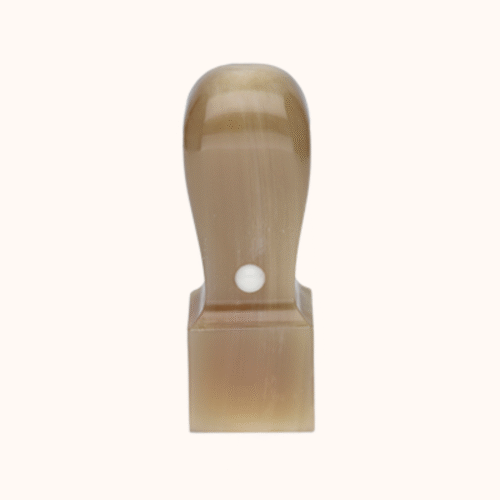
Does the orientation of the hanko matter? Yes. The characters on a hanko are typically designed to be read from top to bottom when the stamp is held in the standard vertical orientation. Most hanko have a small notch or mark on one side to indicate the top — find it before you ink, not after.
Next Steps

Stamping a hanko cleanly is a skill that improves with deliberate practice, and the difference between a careless impression and a confident one is visible immediately. The method is not complicated — it just requires the right setup and the patience to slow down at the moment of contact.
If you are looking for an ink pad that gives consistent results, or a stamping mat that removes the surface-instability problem entirely, HankoHub has both available with straightforward English-language ordering. Getting the right tools is what makes the technique actually work.